Using AWS KMS In AWS Lambda

###Using credential information in Lambda environment such access key and password, mail server domain, eg. should be encrypted.
###Solution here is to use KMS
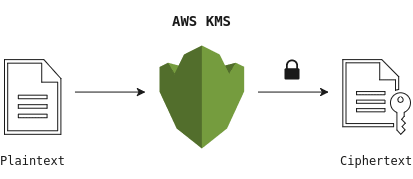
####AWS KMS supports symmetric and asymmetric CMKs.
Symmetric CMK:
Represents a single 256-bit secret encryption key that never leaves AWS KMS unencrypted. To use your symmetric CMK, you must call AWS KMS.
Asymmetric CMK:
Represents a mathematically related public key and private key pair that you can use for encryption and decryption or signing and verification, but not both. The private key never leaves AWS KMS unencrypted. You can use the public key within AWS KMS by calling the AWS KMS API operations, or download the public key and use it outside of AWS KMS.
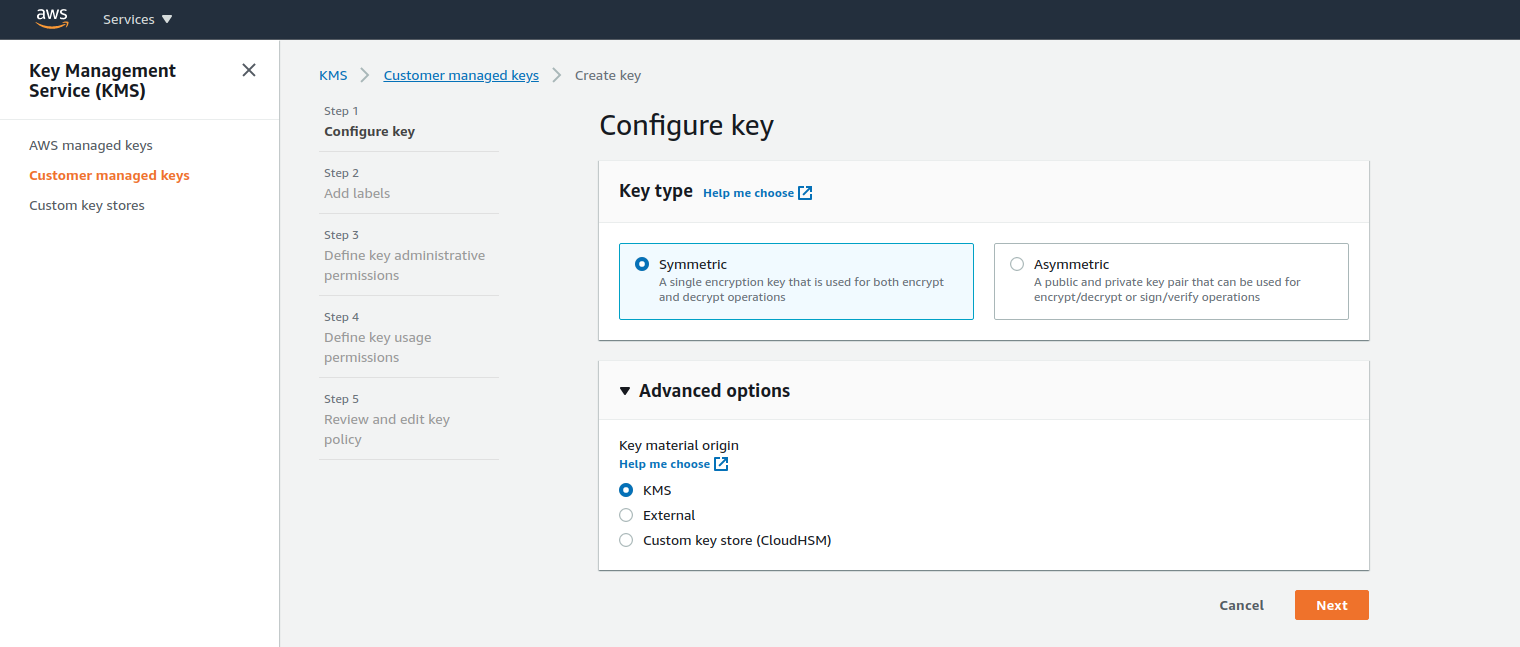
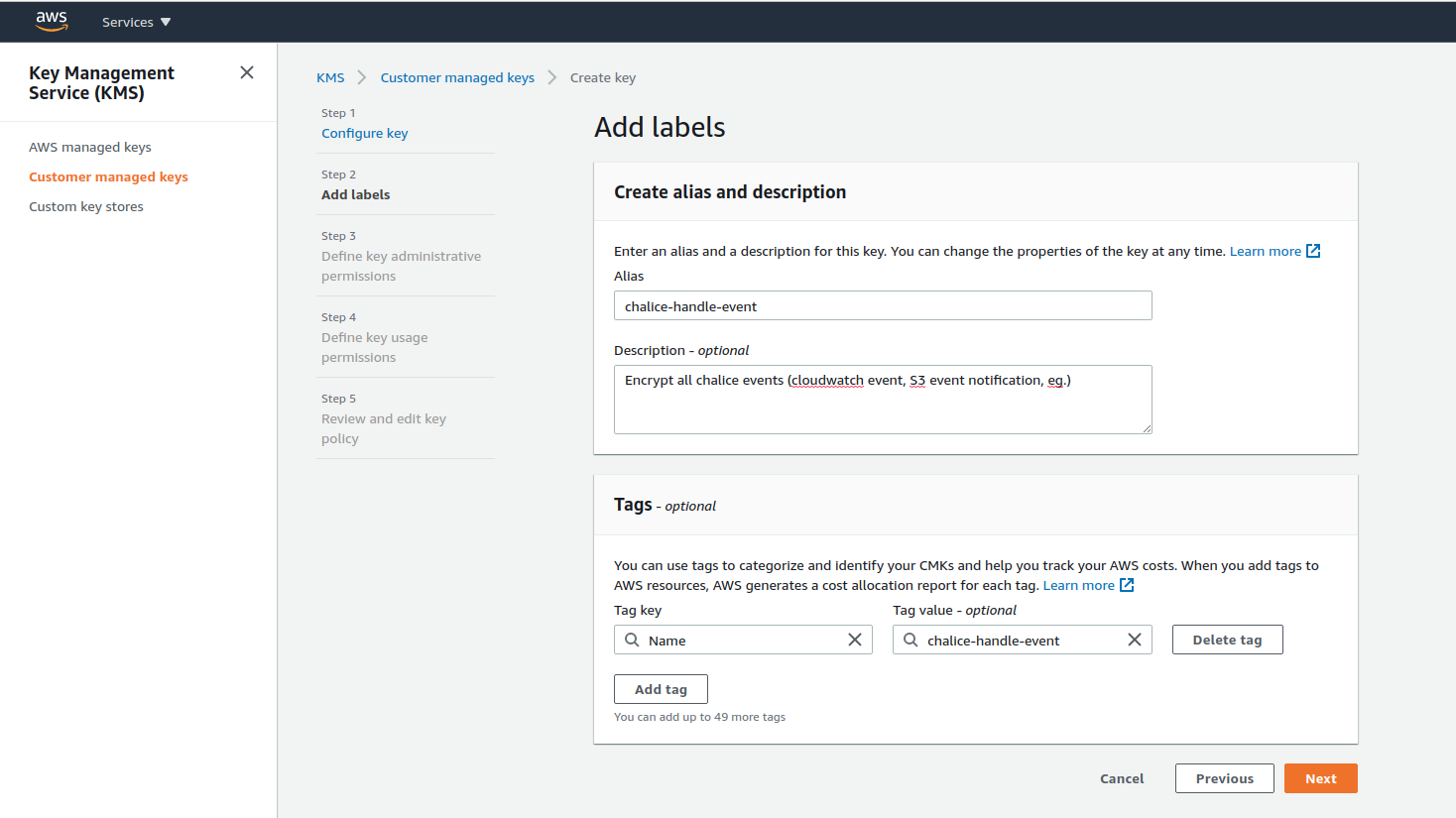
###1. Create symmetric CMK (Custom master key)
###2. Create Lambda Function using chalice
Ref: Chalice Topics

####2.1 Create new chalice project
chalice new-project encrypt-test
####2.2 Create function handler in app.py
import boto3
import os
from chalice import Chalice
from base64 import b64decode


app = Chalice(app_name='MyDecryptFunction')
app.debug = True


@app.lambda_function(name='MyDecryptFunction')
def lambda_handler(event, context):
    encrypted = os.getenv('SES_ID')
    decrypted = boto3.client('kms', region_name='ap-southeast-1').decrypt(
        CiphertextBlob=b64decode(encrypted),
        EncryptionContext={'LambdaFunctionName': os.getenv('AWS_LAMBDA_FUNCTION_NAME')}
    )['Plaintext'].decode('utf-8')
    app.log.debug(f"{decrypted}")
####2.3 Deploy project (Use default AWS region in current env)
chalice deploy
Creating deployment package.
Creating IAM role: encrypt-test-dev
Creating lambda function: encrypt-test-dev-MyDecryptFunction
Resources deployed:
  - Lambda ARN: arn:aws:lambda:ap-southeast-1:1111111111111:function:encrypt-test-dev-MyDecryptFunction
###3. Check Result
####3.1. IAM role, it's able to update this to restrict the resource
{
    "Version": "2012-10-17",
    "Statement": [
        {
            "Effect": "Allow",
            "Action": [
                "kms:Decrypt"
            ],
            "Resource": [
                "*"
            ],
            "Sid": "0f1ea010d9414ac08ac9f94a4e67bfa1"
        },
        {
            "Effect": "Allow",
            "Action": [
                "logs:CreateLogGroup",
                "logs:CreateLogStream",
                "logs:PutLogEvents"
            ],
            "Resource": "arn:aws:logs:*:*:*"
        }
    ]
}
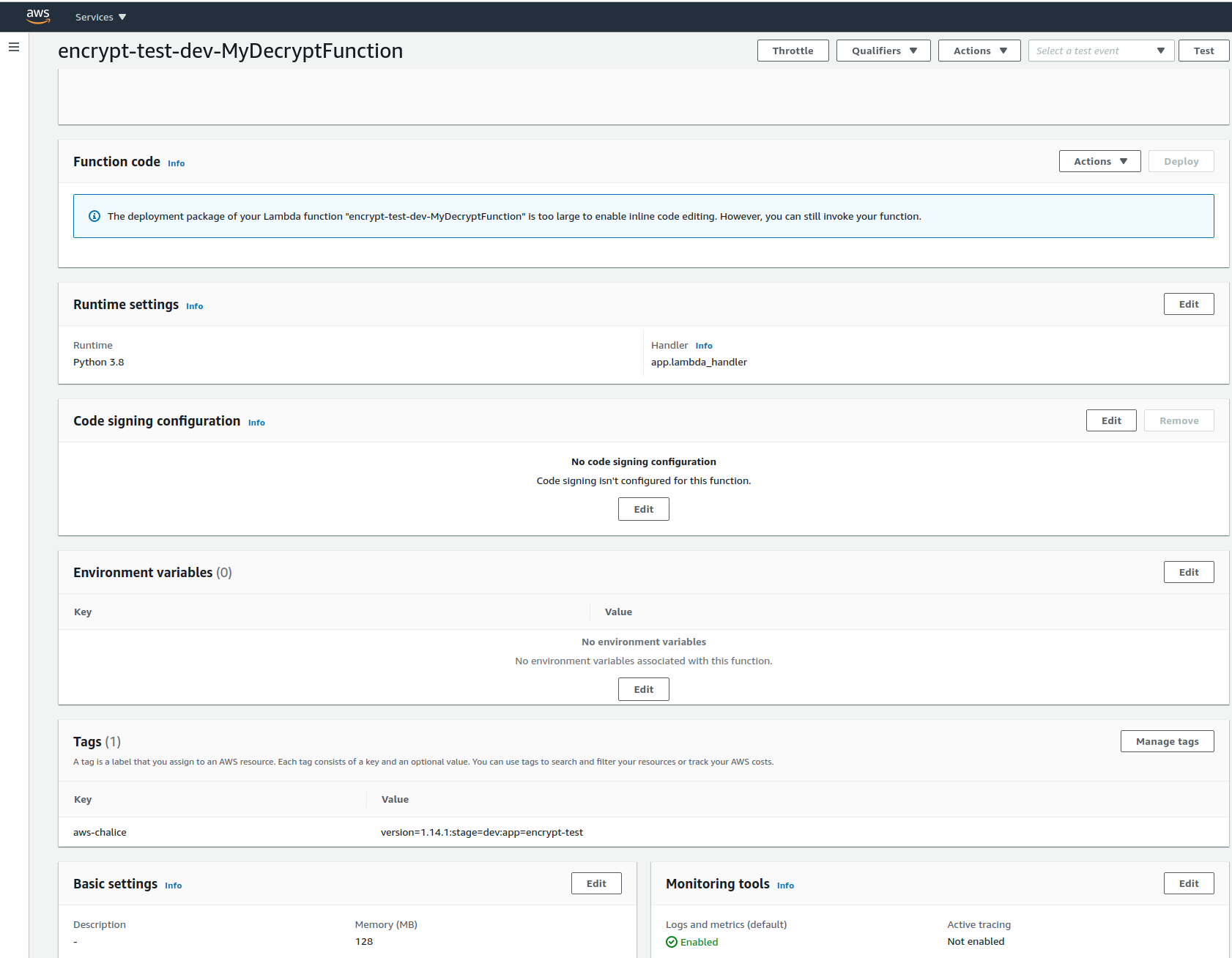
####3.2 Lambda Function
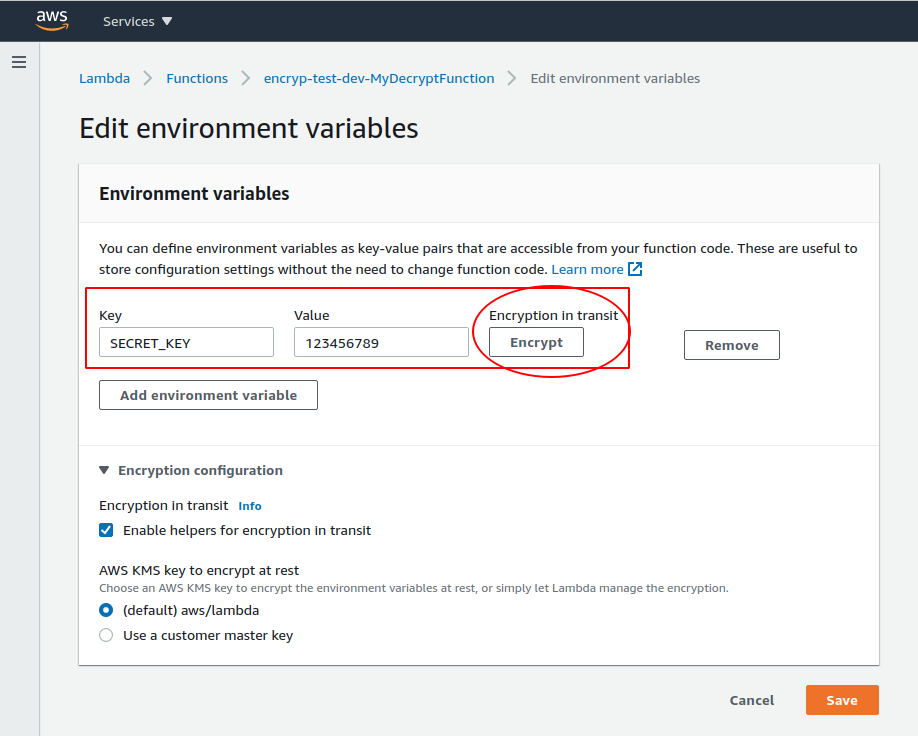
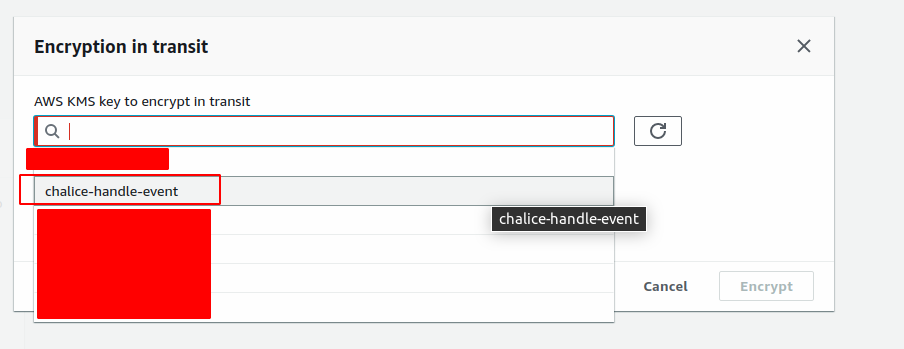
###4. Generate Encrypted key

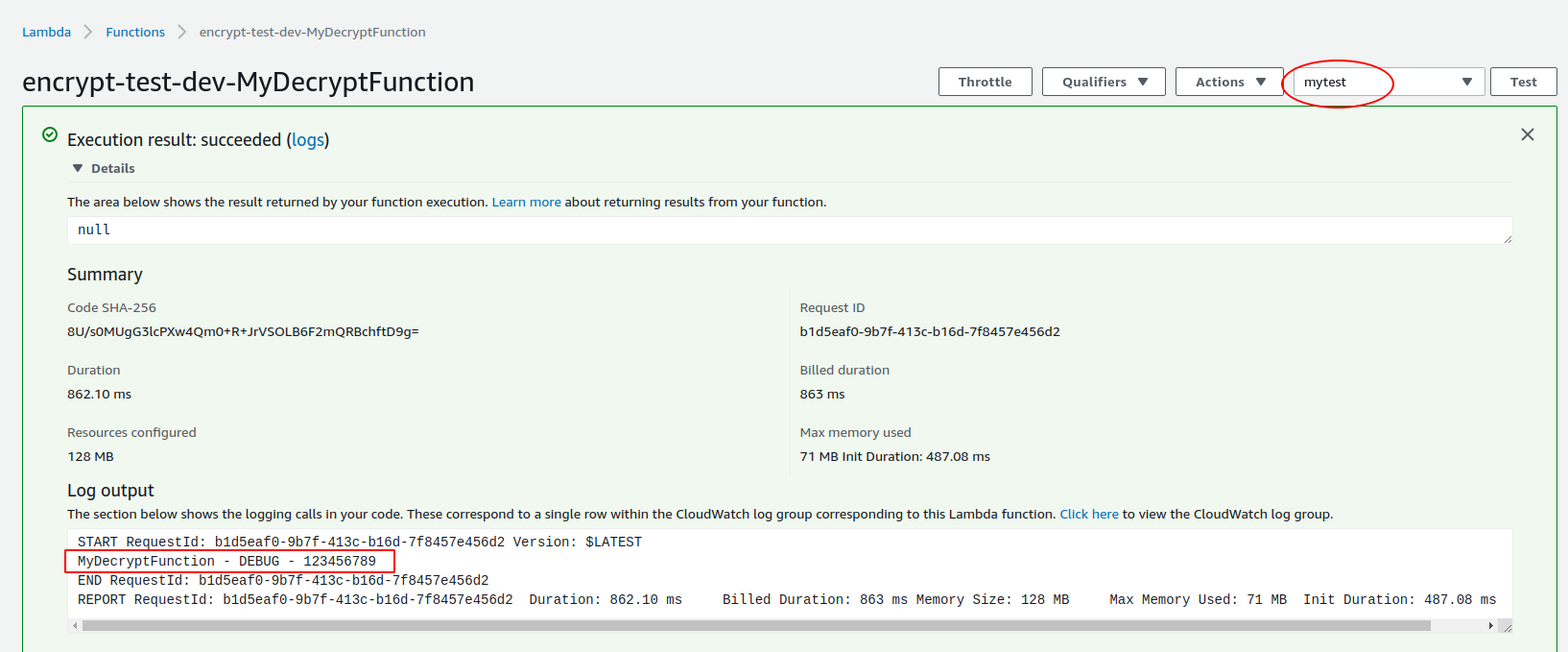
###5. Create Test and Run