Using Helm Install Botkube Integrate With Slack On EKS
Published
•1 min read
botkube.io
[Github repo] (https://github.com/infracloudio/botkube)
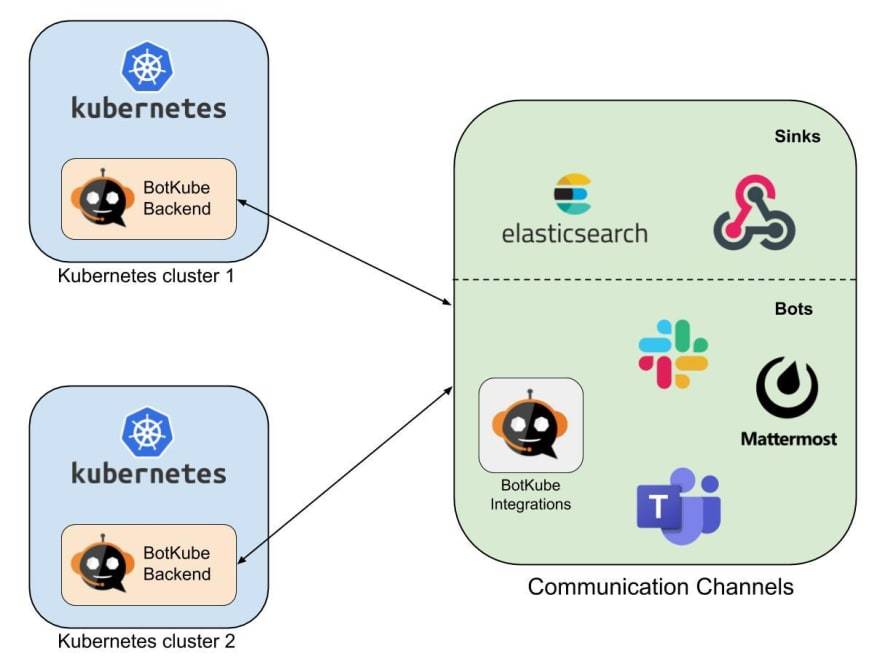
1. Install botkube
helm install --version v0.11.0 --name botkube --namespace botkube \
  --set communications.slack.enabled=true \
  --set communications.slack.channel=botkube-channel \
  --set communications.slack.token=xoxb-123456 \
  --set config.settings.clustername=prod-us-east-1 \
  --set config.settings.allowkubectl=true \
  --set image.repository=infracloudio/botkube \
  --set image.tag=v0.11.0 \
  infracloudio/botkube
2. Check the pod with namespace botkube
kubectl get pod -n botkube
NAME                       READY   STATUS    RESTARTS   AGE
botkube-6b46496f87-xmjk8   1/1     Running   0          45h
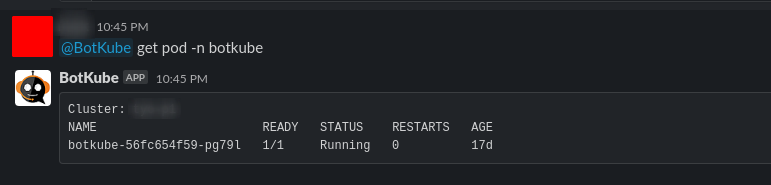
3. Use slack to interact with botkube
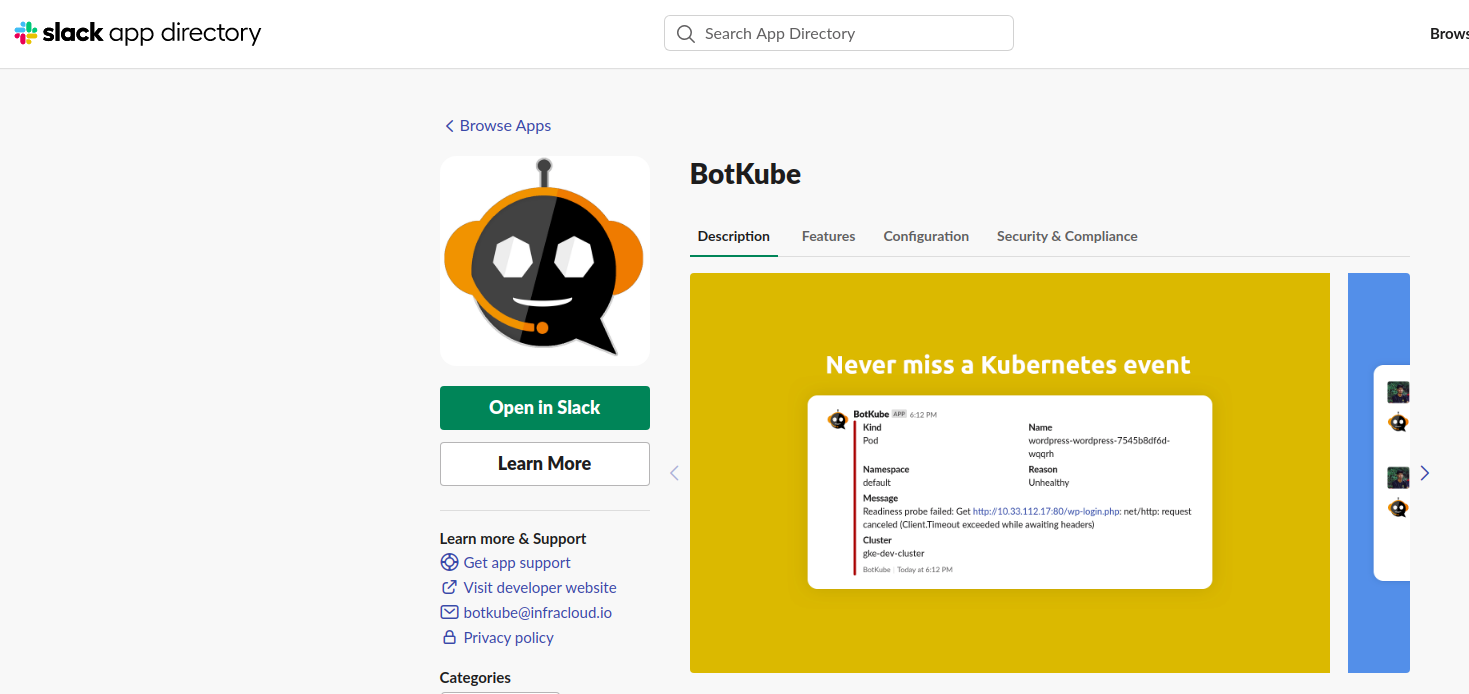
It requires to add BotKube into app of slack workspace
Get pod through slack